Searching for an honest Garmin Dash Cam Mini 2 review before you buy? As a new driver, your real question is simple: will this tiny camera actually protect me if something goes wrong? Yes — for front-facing recording, this car-key-sized camera does one job better than almost anything else. Here is what it does well, its four limits, and when to pick an alternative instead.
Quick Verdict
The Garmin Dash Cam Mini 2 is the best "set it and forget it" dash cam for new drivers who want something tiny, discreet, and easy to live with. Crisp 1080p video through a 140-degree lens, voice commands so your hands stay on the wheel, and it hides behind the rearview mirror where you'll forget it exists.
But buy with eyes open: no screen, no GPS, no memory card in the box — and Parking Guard needs an extra cable plus Wi-Fi. Need 4K or rear coverage? See the alternatives below.
What It Actually Is
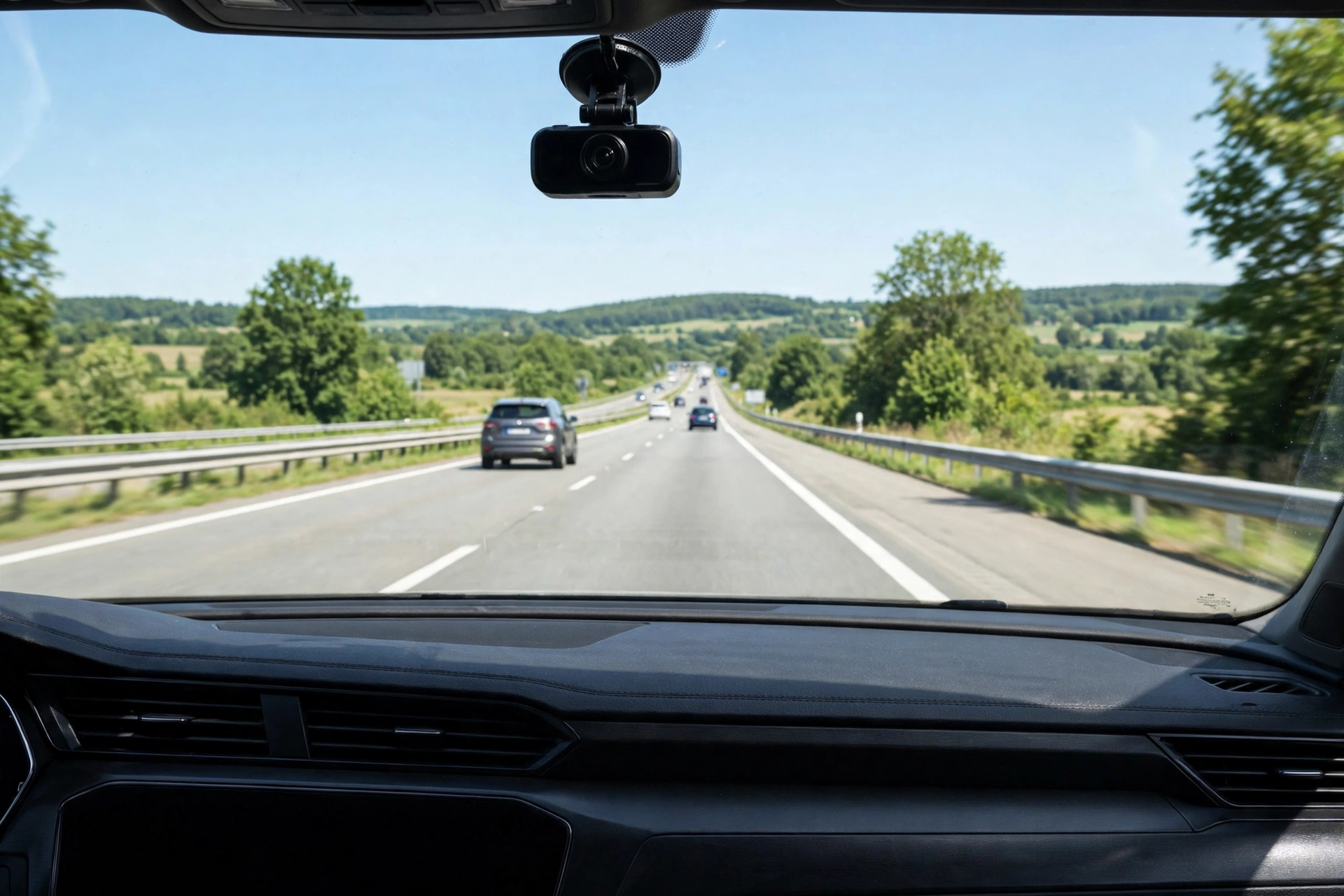
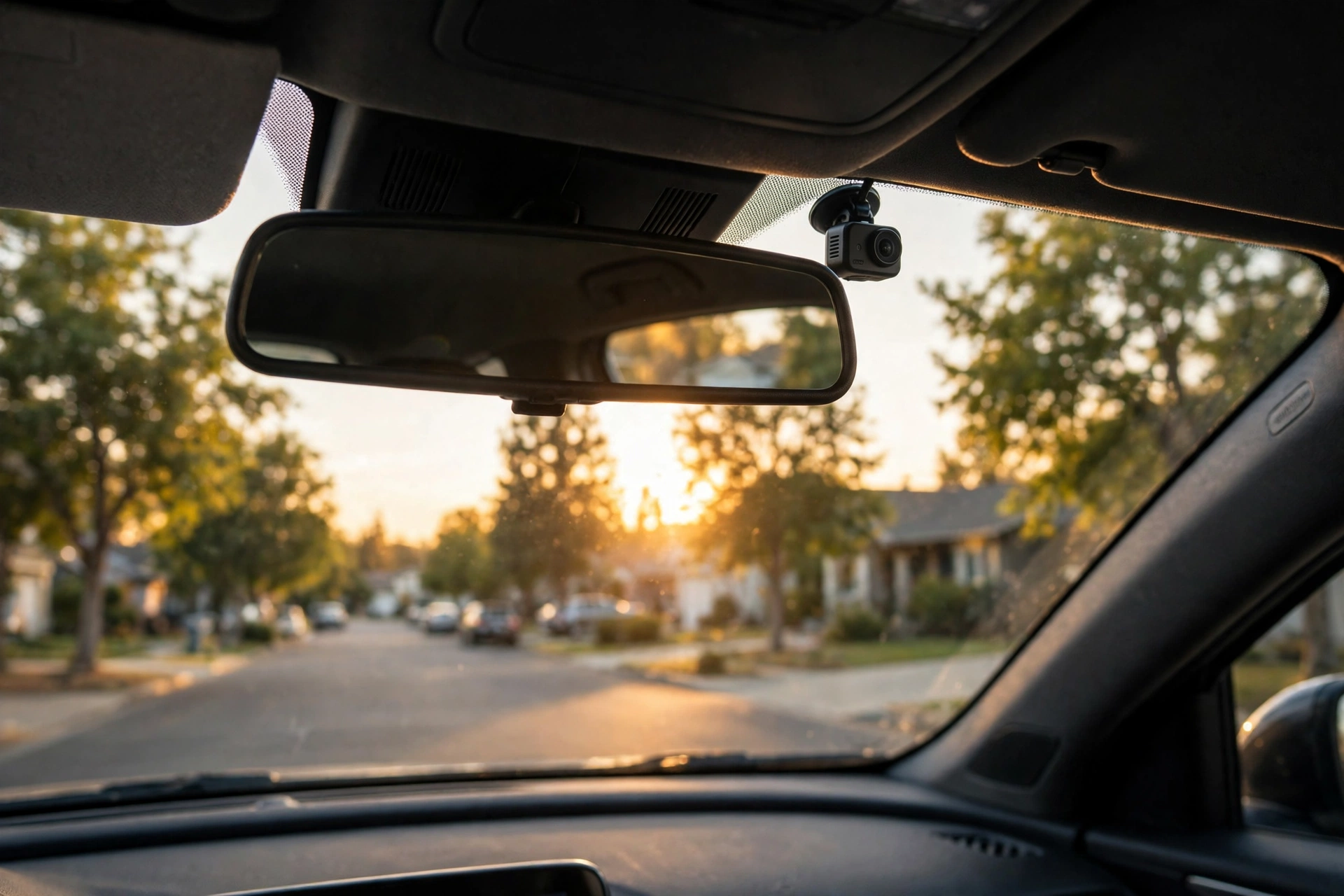
The Mini 2 is about the size of a car key (~3 × 5 cm) and clicks onto a magnetic mount tucked behind the rearview mirror — from the driver's seat, it essentially disappears.
- 1080p HD video at up to 30 fps, 140-degree wide-angle lens, Garmin Clarity HDR optics (clear plates by day, solid night footage)
- Voice control — "OK, Garmin, save video," start/stop audio, take a still photo, all hands-free
- Automatic incident detection (G-sensor) — locks and saves the clip on a bump or collision
- Garmin Drive app — review, save, and share clips over Wi-Fi; saved videos auto-upload to Garmin's secure online Vault
- Dual USB charger included — powering the cam doesn't cost your 12V socket (you gain a spare charging port)
It runs off the 12V outlet, draws nothing when the car is off, and loops recordings — the oldest unlocked footage is overwritten as the card fills. Note: it cannot record at all without a microSD card (8 GB minimum, Class 10 or faster, up to 512 GB) — and none is included.
4 Things New Drivers Love About It
1. It vanishes behind the mirror
This is its superpower. New drivers have enough to watch without a brick-sized camera in the windshield — and a hidden cam draws less attention from anyone peering into the car. Two independent 2026 buyer's guides (CampfireHQ, Drive Gear Guide) both ranked it the best discreet pick.
2. Voice control keeps your hands on the wheel
"OK, Garmin, save video" locks the current clip so loop recording never erases it — no fumbling with buttons mid-drive. You can also start/stop audio recording or snap a photo by voice.
3. Setup takes minutes
Stick the magnetic mount, route the cable along the headliner, plug into the 12V socket, pair the app. There's no screen to squint at and no settings maze — most people are recording within ten minutes.
4. It survives a hot car
Dash cams bake on the windshield. The Mini 2 is rated for harsh vehicle environments with direct-sunlight exposure, and it uses a capacitor-style power design instead of a lithium battery that swells and dies in heat.
4 Honest Drawbacks (Read Before Buying)
1. No screen — your phone does everything
No display on the camera at all. Framing, settings, and playback all happen through the Garmin Drive app. If your phone is dead or you hate app-dependent gadgets, this cam will frustrate you.
2. No built-in GPS
It won't log your speed or location on its own. If GPS-tagged footage matters for insurance or fleet use, pick a different model.
3. No memory card in the box
You must buy a microSD separately — and make it a high-endurance card. Dash cams rewrite constantly, and cheap cards die fast.
4. Parking Guard sounds better than it is
Garmin advertises Parking Guard (incident alerts while parked), but it requires the Constant Power Cable (sold separately) plus an active Wi-Fi connection. With the standard 12V charger, the camera turns off with the car. If parked-car surveillance is your main goal, this is a bigger project than most beginners expect.
The Best Alternatives If the Mini 2 Isn't Your Fit
Best discreet front-only cam: Garmin Dash Cam Mini 2 (this review)
Best for 4K + screen + GPS: ROVE R2-4K Dual
Best 3-channel (front + cabin + rear): Vantrue N4
Garmin Dash Cam Mini 2
- Car-key-sized, magnetic mount — vanishes behind the mirror
- 1080p / 140° HDR video + voice control + incident auto-save
- Garmin Drive app with online Vault backup of saved clips
Pros: tiny and forgettable; easy setup; reliable daylight footage; strong app.
Cons: no screen, no GPS; card sold separately; Parking Guard needs extra cable + Wi-Fi.
Best for: first-time drivers who want a discreet, set-and-forget front witness — nothing more.
ROVE R2-4K Dual
- 4K front (upscaled from a 2.5K sensor, per independent reviewers) + 1080p rear
- 3-inch screen, built-in GPS, free 128 GB card in the box
- 5 GHz Wi-Fi with fast clip downloads; supercapacitor for heat
Pros: sharper footage; screen for instant playback; GPS speed/location logging; generous extras.
Cons: bulkier on the windshield; "4K" is upscaled, not native; parking mode needs a hardwire kit.
Best for: drivers who want the sharpest footage, GPS, and a screen — and don't mind a visible camera.
Vantrue N4
- Three channels: 1440p front + 1440p cabin + 1080p rear
- Infrared cabin camera for clear interior footage at night
- Proven long-running design with strong parking-mode support
Pros: covers front, driver, and rear at once; great night cabin footage.
Cons: no Wi-Fi (clips come off via card/cable); oldest design; larger footprint on the glass.
Best for: nervous new drivers and rideshare drivers who want the whole car covered.
Head-to-Head Comparison
| Feature | Garmin Mini 2 | ROVE R2-4K Dual | Vantrue N4 |
|---|---|---|---|
| Resolution | 1080p front | 4K (upscaled) front + 1080p rear | 1440p front + 1440p cabin + 1080p rear |
| Screen / GPS | None / none | 3-inch / yes | Yes / optional external |
| Voice control | Yes | Yes | No |
| Parking recording | Extra cable + Wi-Fi | Hardwire kit | Hardwire kit |
| Card included | No | Yes (128 GB) | No (usually) |
| Windshield footprint | Tiny | Medium | Larger |
5-Step Setup for First-Timers
- Buy a high-endurance microSD (Class 10+, 64–128 GB is the sweet spot). Regular cards wear out fast in dash cams. Push it in until it clicks.
- Mount behind the mirror. Clean the glass, stick the magnetic mount, click the camera on. Sit in the driver's seat and confirm it doesn't block your view.
- Route the cable along the headliner and A-pillar to the 12V outlet. Use the included dual USB charger so you keep a free port.
- Pair the Garmin Drive app and use the live preview to aim the lens at the road.
- Test before you trust it. Drive once by day and once by night, say "OK, Garmin, save video," and pull the clip in the app.
The Bottom Line
The Garmin Dash Cam Mini 2 nails one job better than almost anything else: discreet, reliable, hands-free front recording for drivers who don't want to think about their dash cam. If that's your whole requirement, it's the easiest recommendation in the category — just add a high-endurance memory card to your order.
Skip it if you need 4K, a screen, GPS logging, rear coverage, or parking surveillance without extra hardware. Then the ROVE R2-4K Dual or Vantrue N4 is the honest better buy.
Still deciding? Read our dash cam buying guide for first cars and our 3 best dash cams for first-time drivers roundup before you pick.
FAQs
Does the Garmin Dash Cam Mini 2 record while parked?
Only with Parking Guard set up — that requires Garmin's Constant Power Cable (sold separately) and an active Wi-Fi connection. With the standard 12V charger, the camera turns off with the car.
Do I need to buy a memory card separately?
Yes — 8 GB minimum, Class 10 or faster, up to 512 GB; none is included. Buy high-endurance: dash cams rewrite constantly and standard cards fail much sooner. Oldest unlocked footage is overwritten automatically as the card fills.
How do I watch the videos if there's no screen?
Through the free Garmin Drive app: the camera makes its own Wi-Fi connection for browsing, playing, and downloading clips. Saved videos can auto-upload to Garmin's secure online Vault.
Will the dash cam drain my car battery?
No — it runs off the 12V outlet and shuts down with the ignition. Only Parking Guard draws constant power, so follow Garmin's Constant Power Cable guidance for battery protection.
Is it legal to use a dash cam where I live?
Rules vary — some places restrict windshield mounting positions or recording audio and people. Check local laws first, and aim the camera at the road.
Sources
- ExpertBeacon — Garmin Dash Cam Mini 2 product data (specs, rating snapshot)
- CampfireHQ — The 10 Best Car Cameras of 2026 (updated 24 Oct 2026)
- Drive Gear Guide — Best Dash Cams in Canada 2026 (Jan 2026)
- Garmin Dash Cam Mini 2 user manual (setup, Parking Guard, card specs)