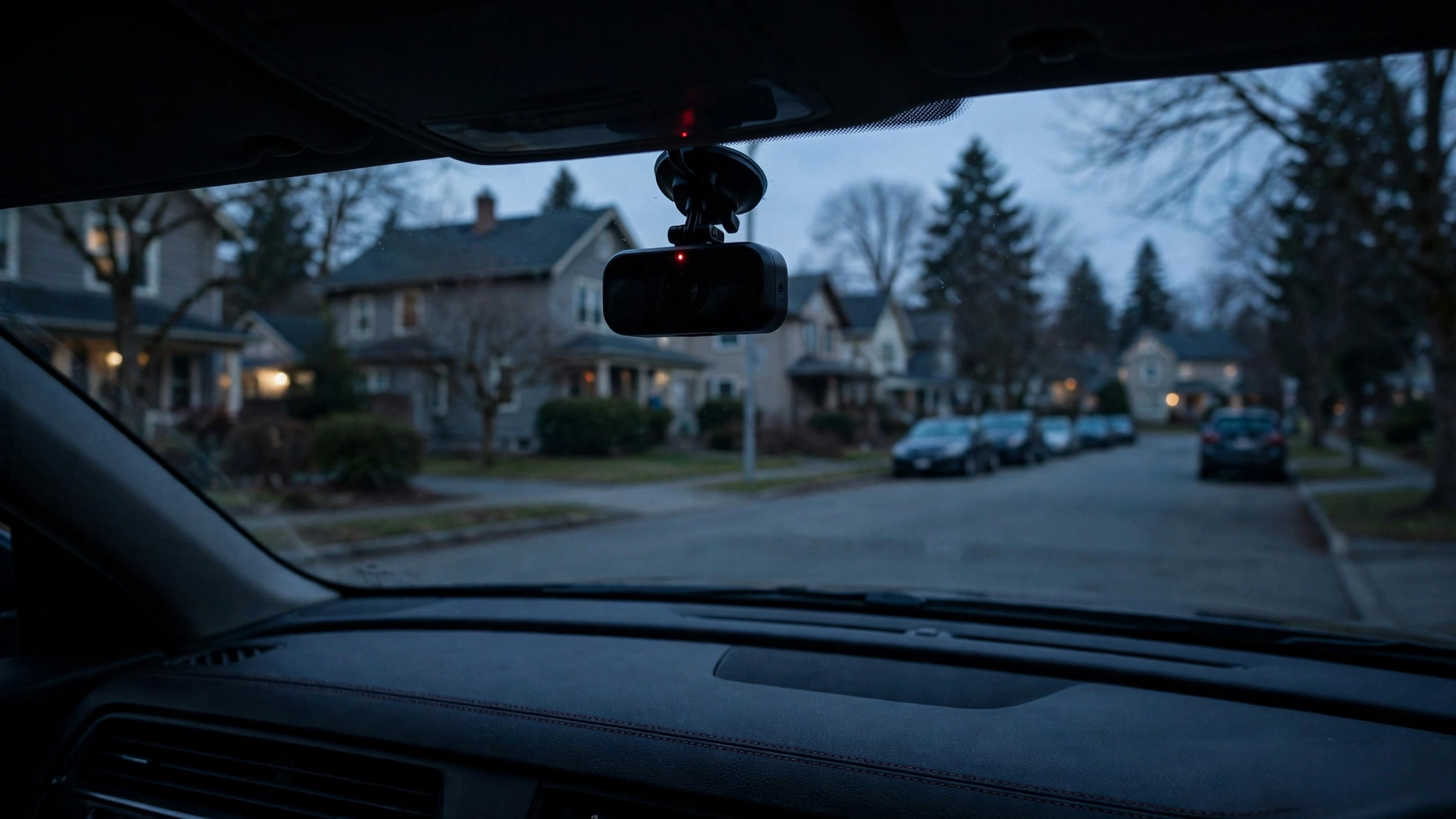
You find a fresh dent in your door. No note, no witnesses. A dash cam with parking mode is the closest thing to a witness that never blinks: it keeps watching your car after you walk away.
But parking mode isn't automatic on every dash cam, it won't work on a standard 12V plug in most cars, and set up carelessly it can drain your battery. Here's how it works, what it can and can't catch, and three beginner-friendly cameras that do it well.
How parking mode actually works
While you drive, your dash cam uses loop recording: continuous filming that overwrites the oldest footage when the card fills. Parking mode switches to low-power standby when the ignition goes off, saving footage only when triggered. Three types:
1. Motion detection
The camera watches but saves nothing until it sees movement — a person approaching, a car pulling in beside you. Great for suspicious activity, but swaying branches, shifting shadows, and passing headlights all trigger it, filling your card with clips of nothing.
2. Impact (G-sensor)
The camera saves a clip only when its G-sensor detects a physical bump — a door ding, a cart hit, a low-speed collision. Storage-efficient and purpose-built for hit-and-runs. The trade-off: a gentle tap may not trigger it, and without buffering, recording starts at the impact.
3. Buffered (the best kind)
The camera keeps a short rolling cache in memory, so the saved clip includes seconds before the trigger — you see the car backing into yours, not just the aftermath. If parking mode matters to you, buffered mode is worth paying for; some cameras also offer time-lapse mode (about one frame per second all night).
The part beginners miss: it needs constant power
You need a power source that stays live when the engine is off. Three options:
- Hardwire kit (most common): wires the camera to the fuse box, tapping an always-live fuse.
- OBD-II cable: plugs into the OBD-II port under the dashboard — no fuse-box work, but not every camera supports it.
- Dash cam battery pack: charges while you drive, powers the camera while parked. Most expensive, but zero car-battery drain.
Safety note: fuse-box work involves live wiring. If you've never touched your car's electrics, pay a professional installer. Our guide to choosing a dash cam covers what to look for before you buy.
Will it drain your battery? The voltage cutoff
A hardwired camera draws about 100–300 milliamps. A healthy 45–70 amp-hour battery gives roughly 7 to 8 hours of coverage — a full night, but not unlimited.
Every quality hardwire kit has the key safety feature: a voltage cutoff. Set it around 11.8V, and the kit cuts camera power before the battery gets too weak to start the car. Without a cutoff, a camera left for days could leave you stranded.
Be honest: skip parking mode if your battery is old or the car sits unused for days. Get it checked first — see our guide to why car batteries die overnight. A dash cam battery pack removes this worry entirely.
What parking mode can't do
- It only sees where the lens points. A front-only camera won't catch a rear-bumper hit — dual or 3-channel cameras fix this.
- It's evidence, not prevention. It gives your insurer and the police what they need — see what to do after a minor accident and car insurance basics.
- False triggers are real. Motion mode in a busy lot fills the card with pedestrians and shadows. Buffered and impact modes are calmer — match the mode to where you park.
- Smart parking still wins. End spots and well-lit areas reduce risk more than any camera. The camera is your backup plan, not your whole plan.
3 beginner-friendly dash cams with parking mode
All three are in our live catalog. None runs parking mode from a 12V plug — plan on a hardwire kit or battery pack for each.
ROVE R2-4K Dual Dash Cam — Best overall for new drivers
Our top pick for beginners
- 4K front + 1080p rear — a hit from behind is recorded, not missed
- Multiple parking modes: motion, impact, time-lapse (hardwire kit sold separately)
- Supercapacitor handles hot parked cars better than battery models
Pros: dual-channel coverage; several parking modes; easy phone review. Cons: the "4K" sensor is upscaled, so night detail is good but not miraculous; parking mode needs the separate hardwire kit.
Best for: new drivers who want one camera for both daily driving and parked surveillance.
Vantrue N4 3-Channel Dash Cam — Best coverage
Front + cabin + rear
- Three channels: front, cabin, and rear — the widest parking coverage here
- Parking mode with optional hardwire kit (motion and impact detection)
- Infrared cabin night vision for dark parking garages
Pros: nothing in your immediate surroundings goes unseen; large, well-reviewed owner base. Cons: more wiring to route and more footage to manage; bulkier than a single-channel camera.
Best for: street parkers who want every angle covered overnight.
Garmin Dash Cam Mini 2 — Most discreet
Nearly invisible on the windshield
- Key-fob sized — hides behind the rearview mirror
- Parking mode with Garmin's optional parking-mode cable
- Automatic incident detection saves clips to a secure online vault
Pros: the most discreet camera here; simple setup. Cons: front-only, so no rear coverage; parking mode needs Garmin's own cable, not a generic hardwire kit.
Best for: drivers who want parked surveillance without a visible gadget.
| Camera | Channels | Parking mode | Power needed | Best for |
|---|---|---|---|---|
| ROVE R2-4K Dual | Front + rear | Motion, impact, time-lapse | Hardwire kit (sold separately) | Best all-rounder |
| Vantrue N4 | Front + cabin + rear | Motion, impact | Hardwire kit (sold separately) | Maximum coverage |
| Garmin Mini 2 | Front only | Parking surveillance | Garmin parking-mode cable | Discreet setup |
Is parking mode worth it for you?
Get it if you street-park or use public lots daily, you've had a hit-and-run or vandalism scare, or your car is new enough that one mystery dent would genuinely hurt.
Skip it if your car sleeps in a private garage, your battery is aging, the car sits unused for days, or most trips are very short (the battery never fully recharges). You can always add a battery pack later.
Setup checklist: 5 steps
- Pick a camera with real parking mode — motion/impact/buffered in the specs. See our best dash cams for first-time drivers for more options.
- Choose power: hardwire kit (cheapest), OBD-II cable (easiest, if supported), or battery pack (zero car-battery drain).
- Set the voltage cutoff to ~11.8V on the hardwire kit.
- Use a high-endurance memory card rated for dash cams.
- Test it: park, walk away ten minutes, give the car a firm (gentle!) push, and confirm a clip saved.
Verdict
Parking mode turns a dash cam into a 24-hour witness — but only with constant power and a sensible voltage cutoff. For most new drivers who park on streets or in public lots, the ROVE R2-4K Dual is the sweet spot: front and rear coverage plus several parking modes. If every angle matters, the Vantrue N4's three channels have you covered; if the camera should disappear, the Garmin Mini 2 does the job quietly. Whichever you pick, pair it with a properly installed hardwire kit or battery pack — that's what makes parking mode real instead of theoretical. For the full ROVE story, see our ROVE R2-4K guide.
Frequently asked questions
Does a dash cam record when the car is off?
Only with parking mode and constant power. A camera on a 12V socket that dies with the ignition shuts off too. You need a hardwire kit, an OBD-II cable, or a dash cam battery pack.
Will parking mode drain my car battery?
It draws about 100–300 milliamps — a healthy battery handles a night of it. Every good hardwire kit has a voltage cutoff (~11.8V) that kills camera power before the battery gets too weak to start the car. Skip parking mode if your battery is old or the car sits for days.
Do I need a hardwire kit for parking mode?
For most cameras, yes — a hardwire kit, a battery pack, or (on some models) an OBD-II cable. Fuse-box work involves live wiring, so hire a professional installer if you're not comfortable with it.
Can parking mode catch a hit-and-run?
Impact and buffered modes are built for exactly this: a bump saves a clip, and buffered mode captures seconds before the impact too. But the camera only sees where its lens points — a rear hit needs a rear or dual-channel camera.
Is dash cam parking mode legal?
In most places, recording a public parking area from your own car is fine, but audio recording and aiming at private property can have local rules. Check your area's laws; some workplaces and private lots restrict cameras.
Further reading: BlackBoxMyCar's parking mode guide and Nexar's parking mode setup guide go deeper on power options and voltage cutoffs.