
Pop the hood of your car and look at the battery. See that fuzzy white, blue, or green crust growing on the metal terminals? That's corrosion — and it can quietly turn a healthy battery into a no-start on a bad morning. The good news: cleaning it is a beginner-friendly, 20-minute job that needs nothing more than baking soda, water, and a brush.
What That Crust Actually Is (and Why It Matters)
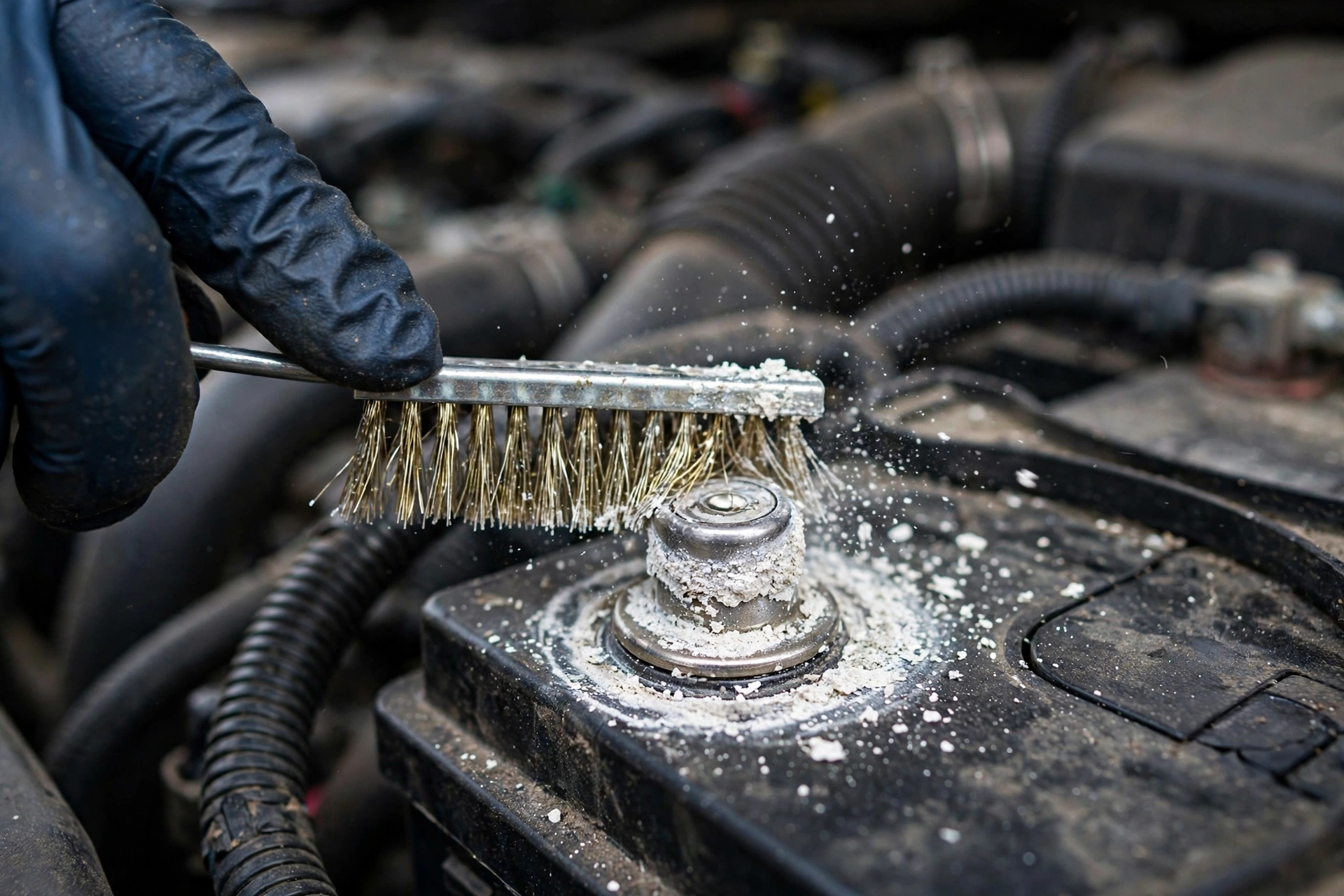
Car batteries contain sulfuric acid. Over time, tiny amounts of acid vapor escape around the battery posts and react with the metal, forming a powdery buildup — white lead sulfate, or blue-green copper sulfate when the cable clamps react too.
Corrosion matters because it acts like an invisible wall between the battery and your car's electrical system. Even a thin layer adds resistance, so less power reaches the starter motor. The classic symptoms: slow cranking, dim headlights at idle, or that dreaded click-click-click and nothing happens. Often corrosion is the only reason a battery keeps dying overnight — the battery is fine; the connection just isn't.
What Causes Battery Terminal Corrosion
Corrosion is normal and happens to almost every battery eventually, but a few things speed it up:
- Age and heat: Older batteries vent more gas. Most car batteries last 3–5 years, and corrosion accelerates in the last year of a battery's life.
- Overcharging: If corrosion piles up mostly on the positive (+) terminal, the charging system may be pushing the battery too hard, boiling off extra acid vapor. Worth mentioning to your mechanic.
- Undercharging and short trips: Heavy corrosion on the negative (−) terminal can mean the battery never fully recharges — common when you only drive short distances. Longer drives let the alternator top it up properly.
- Loose connections: A clamp that doesn't sit tight on the post leaves gaps where vapors creep in and corrosion takes hold.
What You'll Need
Gather these before you start — everything is cheap and most of it is probably in your kitchen already:
- Safety glasses and rubber or nitrile gloves (non-negotiable)
- A wrench that fits your terminal clamp nuts (usually 10 mm)
- Baking soda and water (about 1 tablespoon of baking soda per cup of warm water)
- An old toothbrush, stiff-bristle brush, or a dedicated battery terminal brush
- Clean rags or paper towels
- Petroleum jelly, dielectric grease, or a battery terminal protector spray (for afterward)
Safety First: The Negative-First Rule
Working on a battery is safe as long as you respect two rules. Rule one: the engine must be off, key out, and no smoking or open flames nearby. Batteries release hydrogen gas, which can ignite — keep the area ventilated and spark-free.
Rule two is the golden rule of battery work: disconnect the negative (−) cable FIRST, and reconnect it LAST. Your car's metal body is connected to the negative terminal. If your wrench touches any metal part of the car while loosening the positive terminal, you create a short circuit — sparks and heat. Disconnect the negative first and that risk disappears, because the circuit is broken.
Before you begin, check the battery case itself. If it's cracked, leaking fluid, or swollen, do not clean it — have the battery replaced. A damaged battery is unstable, and scrubbing near it isn't worth the risk.
Step-by-Step: Cleaning Corroded Battery Terminals
Now the main event. Take your time — there is no step here that's harder than it sounds.
Step 1 — Prepare the car
Engine off, key out, hood up. Put on your safety glasses and gloves. Find the battery and identify the terminals: positive (+), usually red, and negative (−), usually black.
Step 2 — Disconnect the cables (negative first!)
Loosen the nut on the negative (−) clamp, wiggle the clamp off the post, and tuck the cable aside so it can't touch the terminal. Then loosen and remove the positive (+) clamp the same way.
Step 3 — Inspect before you scrub
Look closely at the posts and the inside of the clamps. Light to moderate crust is exactly what we're here for. If the metal is deeply pitted, the clamp is cracked, or the post wobbles in the case, see the "when cleaning won't fix it" section below.
Step 4 — Neutralize with baking soda
Mix about 1 tablespoon of baking soda into a cup of warm water and pour it over the corroded terminals and clamps. It will fizz and bubble — that's the baking soda neutralizing the acid. Let it sit for 5–10 minutes.
Step 5 — Scrub until you see bright metal
Scrub the posts and the inside of the cable clamps — that's where the connection actually happens. An old toothbrush is perfect for the clamp interiors. Scrub until the metal looks clean and bright.
Step 6 — Rinse and dry completely
Wipe everything down with a rag dampened with clean water, then dry thoroughly. Moisture left behind invites new corrosion, so don't rush this step.
Step 7 — Reconnect (positive first!) and protect
Reconnect in reverse order: positive (+) first, then negative (−). Push each clamp firmly onto its post and tighten until snug — the clamp shouldn't wiggle, but don't overtighten. Finish with a thin layer of petroleum jelly or dielectric grease over the connected terminals; it seals the metal from vapors and moisture and is the single best way to slow corrosion down.
When Cleaning Won't Fix It
Sometimes corrosion is a symptom of a bigger problem. See a mechanic or battery specialist if:
- The corrosion returns within a few weeks of cleaning — the battery may be overcharging or failing.
- The terminals or clamps are cracked, deeply pitted, or the post wobbles in the case.
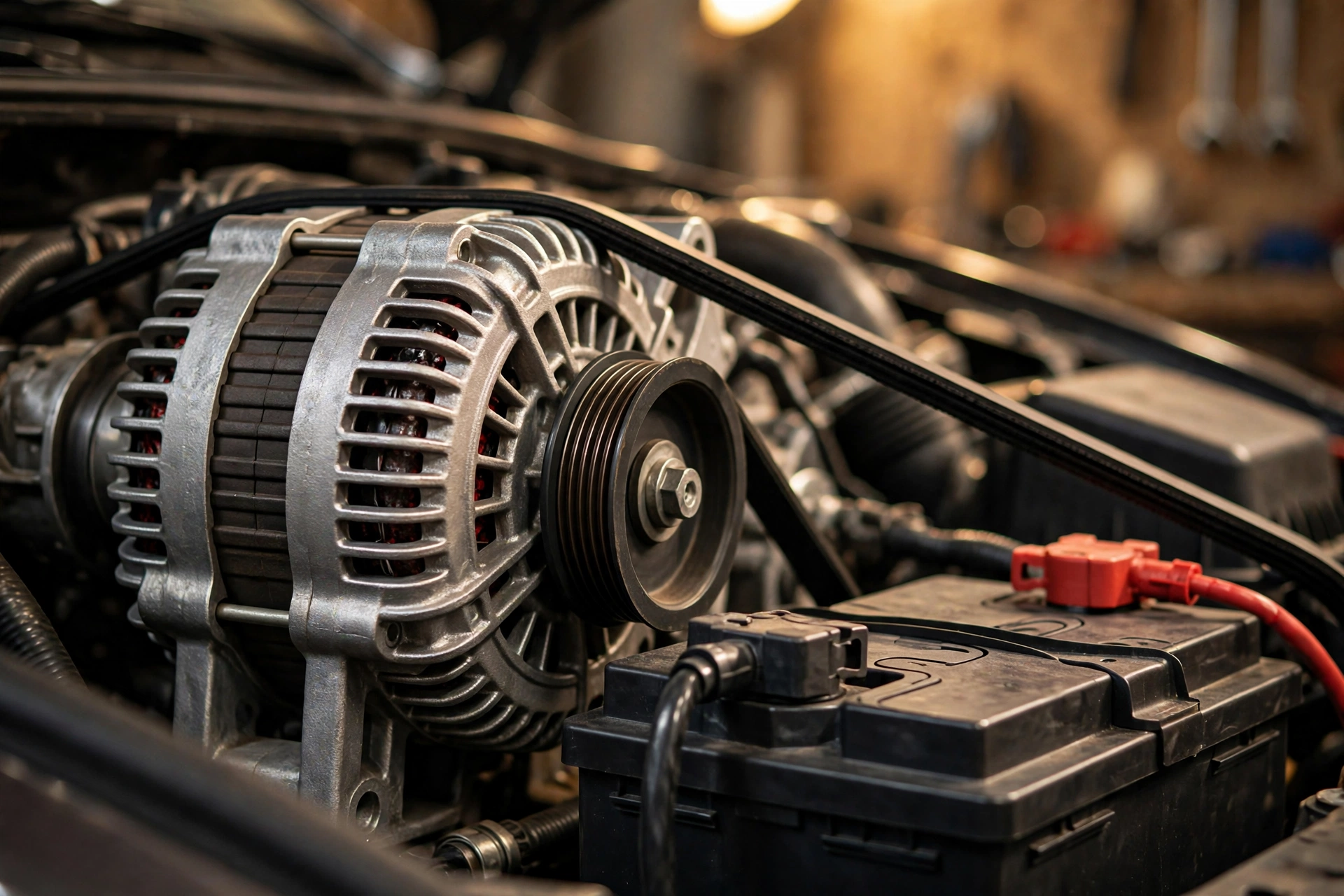
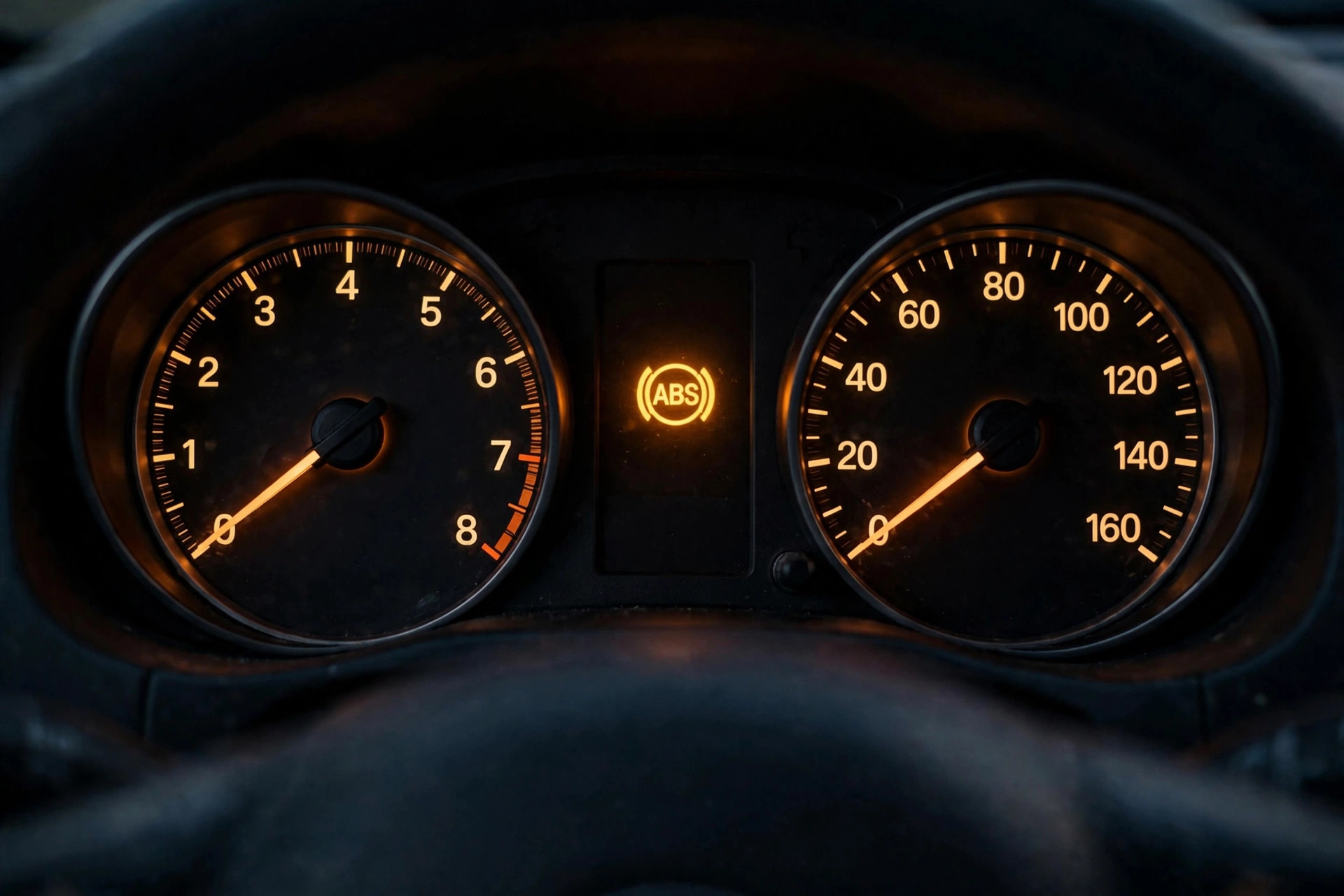
- The car still cranks slowly or won't start after cleaning — the battery may be worn out, or the alternator isn't charging it. If your dashboard's battery warning light is on while driving, that's a charging-system problem, not a dirty-terminal problem.
- The battery is more than 3–5 years old — it may simply be at the end of its life.
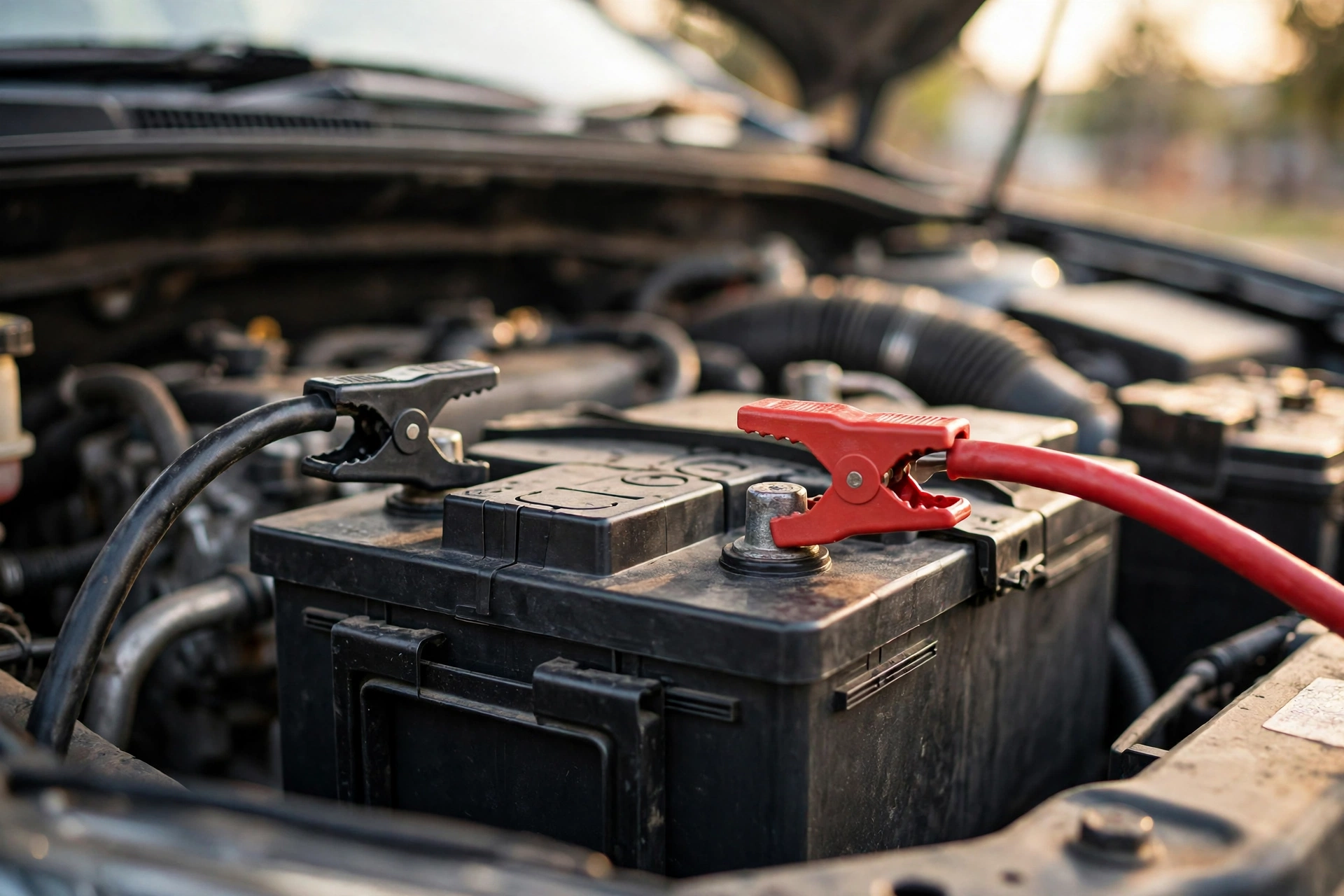
Remember: cleaning fixes connection problems; it can't revive a worn-out battery. And if you ever get stranded, here's how to jump-start a car safely — clean terminals make jump-starts work far better, since the cables clamp onto clean metal instead of crust.
How to Keep Corrosion From Coming Back
- Keep the connections tight. A snug clamp leaves no gap for vapors to enter. Check the clamps whenever you're under the hood.
- Reapply the grease barrier. A thin coat of petroleum jelly or dielectric grease after cleaning goes a long way. Battery terminal felt washers (cheap at any auto parts store) add another layer of protection.
- Drive a little longer sometimes. If your driving is mostly 5-minute trips, the battery never fully recharges, which encourages corrosion on the negative terminal. A 20–30 minute drive now and then helps.
- Check every few months. A quick glance at the terminals during an oil change is enough to catch new buildup early, when it takes seconds to wipe away.
Frequently Asked Questions
Can I use cola or vinegar instead of baking soda?
Stick with baking soda. Cola is acidic and full of sugar — it leaves a sticky residue that attracts more grime. Vinegar is also an acid; it's the right cleaner for alkaline leaks (like AA batteries), not for acidic car battery corrosion. Baking soda is a mild base, so it genuinely neutralizes the acid — that's why it fizzes.
Is battery corrosion dangerous to touch?
It can irritate your skin and eyes, since it's acidic residue. It won't seriously burn you on brief contact, but there's no reason to risk it — wear gloves and safety glasses, and don't touch your face until you've washed your hands.
Can corrosion really stop my car from starting?
Yes — it's one of the most common causes of a no-start that has nothing to do with a "dead" battery. The battery may hold a full charge, but the crust adds so much resistance that the starter motor can't get the power it needs. Many owners buy a whole new battery when all they needed was a ten-minute clean.
Do I really need to disconnect the battery to clean it?
For a proper job, yes. Disconnecting lets you clean the posts and the inside of the clamps, which is where the connection actually matters. Light surface dust can be wiped without disconnecting, but any real crust deserves the full disconnect — negative off first.
How often should I check my battery terminals?
Every 3–6 months, or at every oil change. In hot climates, check a little more often, since heat speeds up both acid evaporation and corrosion.
Conclusion
Corroded battery terminals look alarming, but they're one of the easiest car problems a beginner can fix — no mechanical skill required, no expensive tools, and about twenty minutes of your time. Remember the two rules that matter: negative off first, on last, and never scrub a cracked or swollen battery. Clean the terminals, protect them with a thin coat of grease, and check them every few months. If you found this guide useful, browse our other Battery & Electrical guides — keeping the electrical side of your car healthy is one of the cheapest forms of car care there is.